
Hosting.com Review (2026): Is This Rebranded Powerhouse Still Worth It?

Hosting.com is the evolved brand of the long-standing A2 Hosting, now operating under a broader global platform (associated with World Host Group). It focuses on managed web hosting, WordPress solutions, VPS, and reseller options designed to scale with users. The platform emphasizes speed via LiteSpeed servers and NVMe storage, security tools, AI-assisted features (including an AI site builder and assistant called Orbi), and human “Guru Crew” support available 24/7. Data centers span multiple global locations for better latency. Official claims highlight over 700,000 customers and 3 million+ websites hosted, with a 99.9% uptime SLA.
Plans typically include free SSL, unlimited bandwidth/databases on many tiers, daily or frequent backups, malware protection, and one-click installs. It suits personal blogs, portfolios, small business sites, and growing WordPress projects. Higher-tier options and managed WordPress (powered in part by Cloudflare Enterprise/Rocket.net infrastructure in some offerings) add more power.
Hosting.com Pros and Cons
Pros in Depth
Introductory rates make it easy to start without big commitment, often under $4/month on annual billing for entry shared plans, plus a free domain registration for the first year on qualifying plans. Unlimited or generous bandwidth, free SSL, and included email help keep extras low.
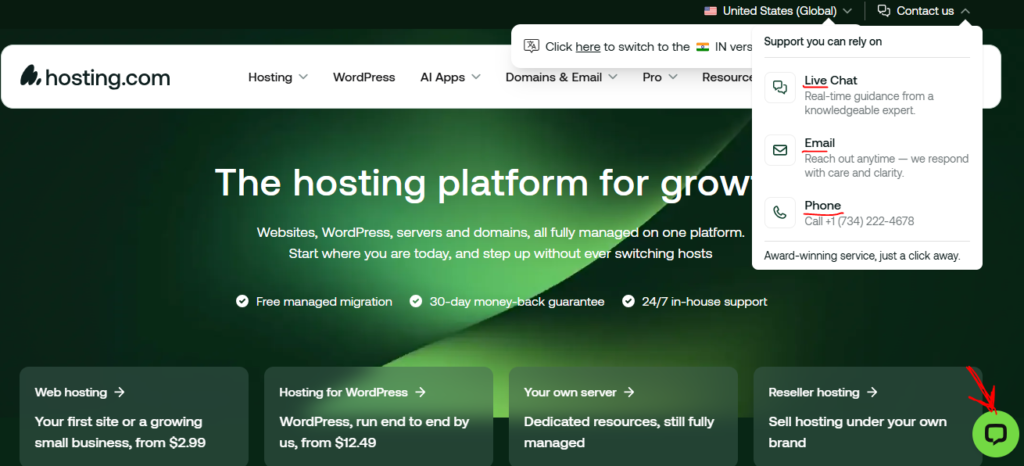
Support stands out: Real in-house engineers via live chat, phone, and tickets, with reported average chat responses under a minute in company stats and high customer satisfaction. Many users praise proactive, knowledgeable help that escalates properly. Free migrations (handled by the team) remove a major switching barrier.
Performance tools include LiteSpeed web server, NVMe storage, Redis/Memcached options, HTTP/2 or HTTP/3 support on many plans, and caching. Managed WordPress plans leverage Cloudflare Enterprise for edge performance in some configurations. Security features (firewalls, malware scanning, DDoS protection, Imunify360 elements) come standard. Developer-friendly options like SSH, Node.js, Python, and Git appear even on shared tiers. Scaling is relatively seamless within the platform toward managed servers.
Cons in Depth
The biggest drawback is renewal pricing. Entry plans that start near $2.99–$3.99/month can jump to $11.99–$14.99+ (or higher on upper tiers), sometimes more than doubling or tripling. Budget carefully for year two onward.
Independent performance testing has shown mixed results: solid load handling under concurrent users in some benchmarks (very low error rates and fast response under stress), but average TTFB around 500 ms in US tests and higher global averages, with more outages noted than top competitors in multi-month monitoring (e.g., 99.96% uptime with dozens of incidents in one study). Real-world speeds depend heavily on site optimization and chosen data center.
Some users and reviewers mention a dual control panel experience (legacy elements plus newer Enhance or custom dashboards), which can confuse absolute beginners. Knowledge base depth has been called out as improving but not always comprehensive. Windows servers are generally unavailable, and pure dedicated or advanced cloud/auto-scaling options may be limited compared to specialists. Email account limits exist on lower plans (e.g., 5–40).
Hosting.com Features
Core offerings cover shared web hosting, managed WordPress, VPS (managed and unmanaged flavours), reseller, and domain services.
Shared plans (Starter / Plus / Pro / Max) commonly provide:
- 1–100 websites
- 15–100 GB NVMe storage
- Unlimited bandwidth and databases
- Free SSL, free domain (year 1), free migration
- Email accounts (scaling from ~5 upward)
- One-click app installs (Softaculous-style), staging environments
- LiteSpeed + caching, AMD EPYC hardware mentions, malware protection, daily/12-hour backups with retention
- SSH, Node.js, Python support
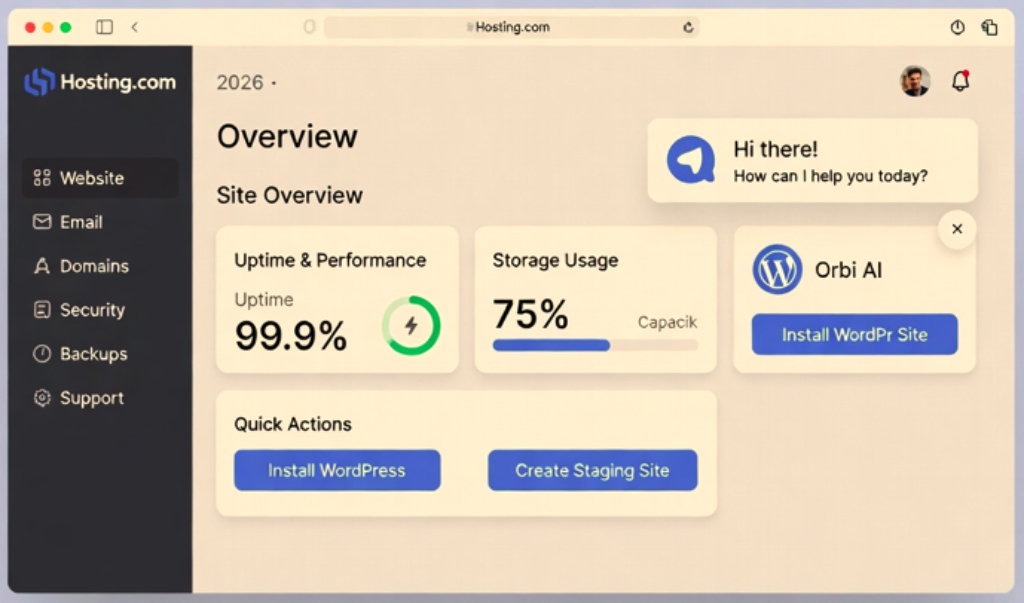
- AI website builder and Orbi AI assistant
Managed WordPress adds deeper optimization, Cloudflare Enterprise elements, automatic updates, enhanced security (dual firewalls), free premium caching plugins in some cases, and performance guarantees. VPS plans offer dedicated resources, root access options, and higher scalability. All include the 99.9% uptime commitment and 30-day money-back guarantee (hosting fees; domains and certain add-ons usually excluded).
Ease of Use
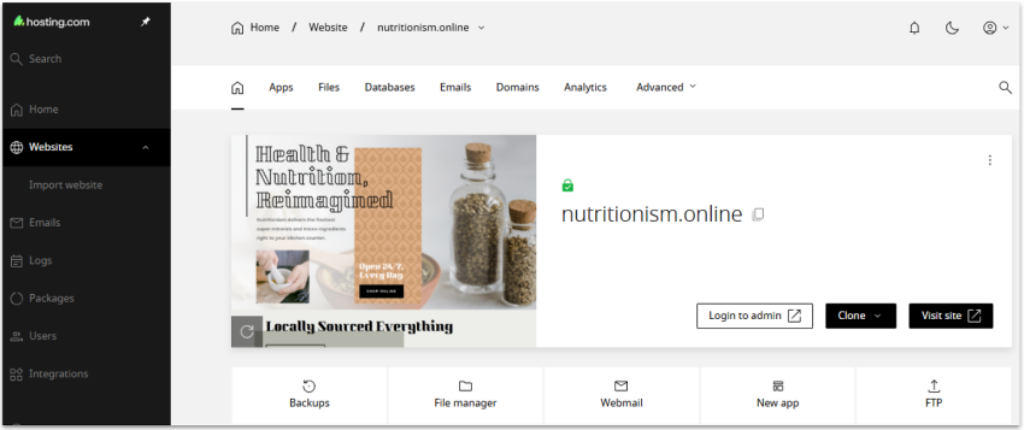
The platform aims for accessibility. New users get guided setup, one-click WordPress installs, and an AI builder that generates sites from descriptions. The account dashboard is frequently described as clean and intuitive for billing, domains, and service management.
Control panels lean on familiar cPanel roots with newer layers; most everyday tasks (email setup, backups, SSL, file uploads) are straightforward. Orbi AI handles many routine questions instantly before escalating to humans. Free migrations reduce technical hurdles. Absolute beginners may need a short learning curve with any dual-panel elements or advanced features, but support bridges the gap well. Developers appreciate SSH and language support without jumping to VPS immediately.
Performance
Hosting.com prioritizes speed through LiteSpeed Enterprise, NVMe SSDs, caching layers, and modern hardware. Company materials stress quick loads and high-availability architecture.
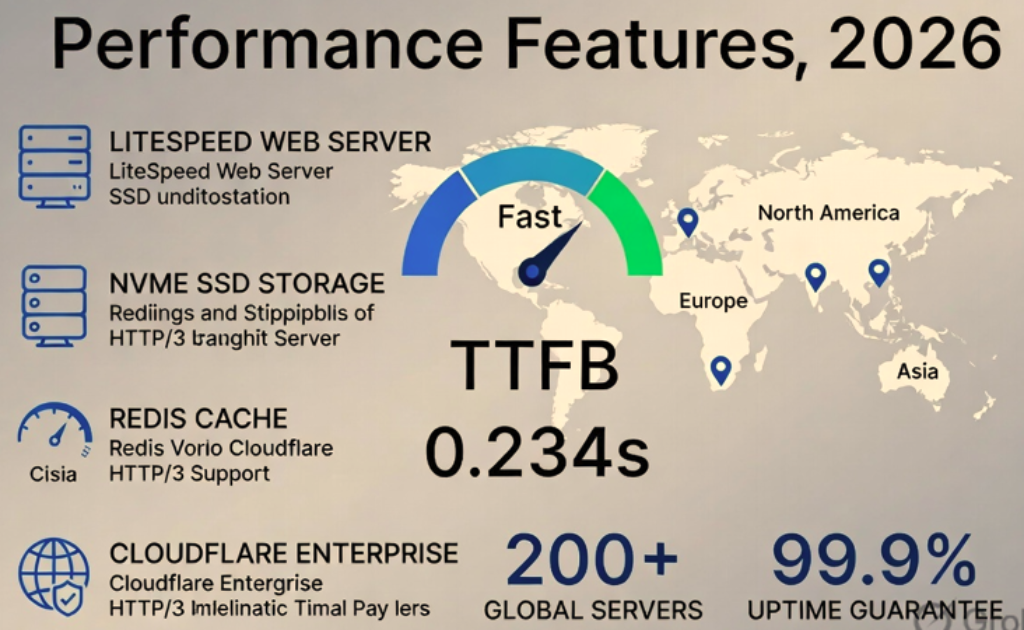
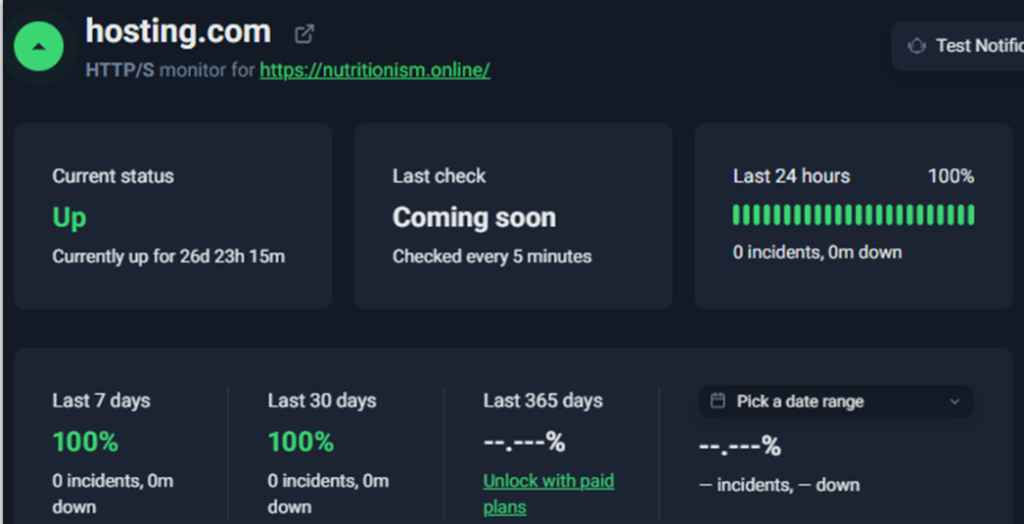
Independent 2025–2026 tests paint a nuanced picture: Excellent stress/load test results (e.g., ~43 ms average response with 0% errors under concurrent users in one evaluation), indicating resilience to traffic spikes. Uptime often hits or exceeds 99.9% in shorter tests, though longer monitoring has recorded more frequent short outages than elite peers, averaging around 99.96% in one multi-month study. TTFB has measured near 500 ms (US) with variability and higher global figures.
Managed WordPress with Cloudflare Enterprise edges toward sub-100 ms global performance claims. Real results always depend on your site’s code, images, plugins, and visitor location—choose the nearest data center. Overall, it performs adequately to well for typical small-to-medium sites when optimized, but pure speed leaders may edge it out in raw benchmarks.
Support
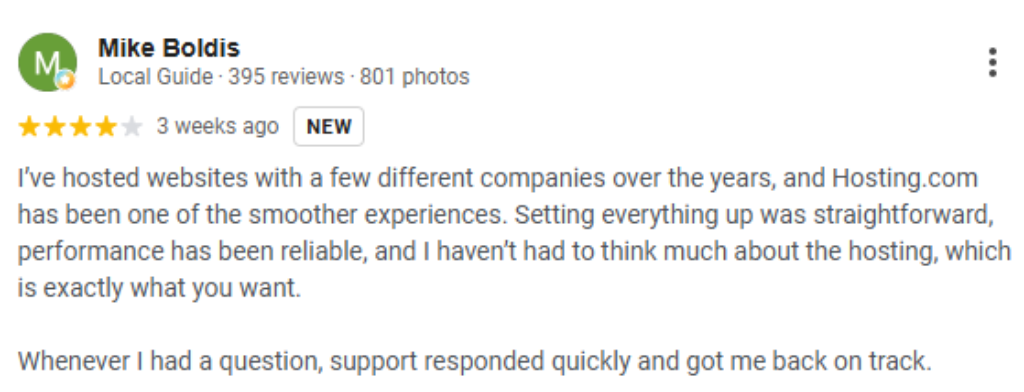
This is a consistent highlight. 24/7/365 in-house support via live chat, phone, tickets, and email. Company metrics cite sub-1-minute average chat response and high satisfaction (around 97% in recent quarterly figures). The “Guru Crew” is repeatedly praised for knowledge, patience, and going beyond basic scripts—especially valuable for migrations, troubleshooting, and non-experts.
AI assistant Orbi handles a large share of common queries instantly. Trustpilot and user reviews frequently call out exceptional experiences. Some older post-rebrand feedback noted occasional inconsistency, but recent sentiment remains strongly positive. Knowledge base covers essentials with room for more tutorials in places.
Hosting.com Pricing
Introductory rates (especially annual or multi-year) are the draw: Shared hosting often starts near $2.99–$3.99/month for Starter/Plus (1–2 sites, 15–30 GB NVMe). Pro and Max scale to roughly $6.99–$8.99/month intro for more sites, storage, and resources. Managed WordPress starts higher (around $12+). VPS and resellers have their own tiers.
Free domain (select TLDs, first year) and free migration add value. Renewals climb noticeably (examples: Starter toward $11.99+, Plus $14.99+, higher plans more). Monthly billing costs more. Always check current promotions on the official site, as discounts fluctuate. 30-day money-back guarantee applies to hosting fees. No long lock-ins are emphasized.
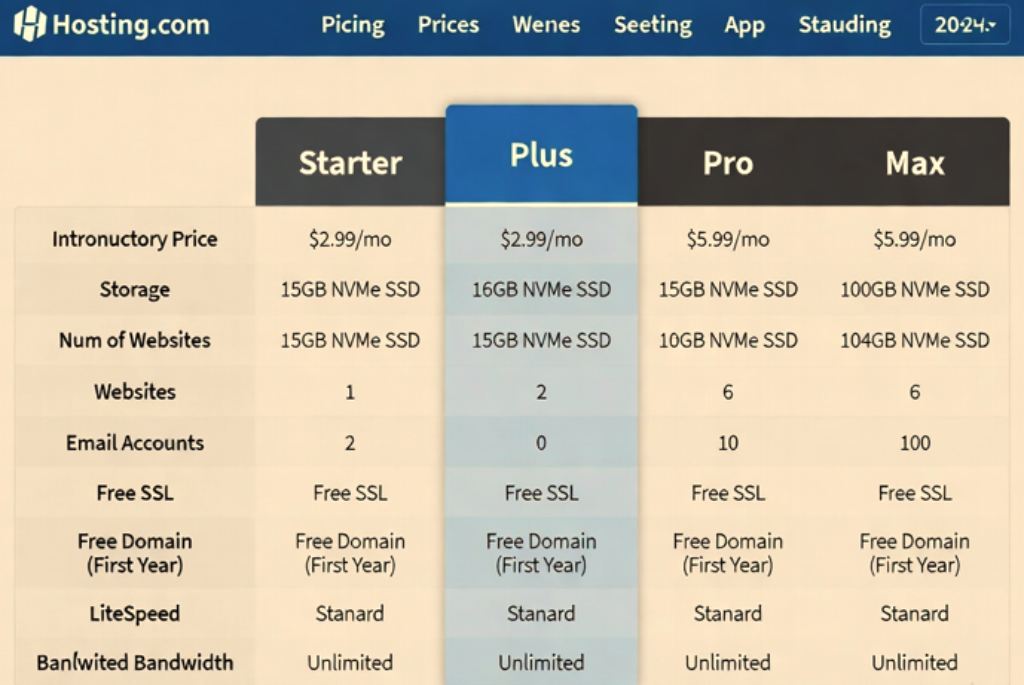
(A pricing screenshot would typically display the four-tier comparison with intro vs. renewal, storage, sites, email, and “included” badges for SSL/backups/etc.)
Comparison
Versus Hostinger: Hostinger often wins on pure lowest long-term pricing and modern hPanel simplicity; Hosting.com competes with stronger traditional support reputation and LiteSpeed focus.
Versus SiteGround: SiteGround frequently scores higher on polished managed WordPress and Google Cloud infrastructure/speed consistency; Hosting.com is usually cheaper to start and strong on free migration/support volume.
Versus Bluehost: Similar beginner-friendly shared/WordPress space; Hosting.com edges some reviews on support responsiveness and included performance tools, while Bluehost has broader brand recognition and sometimes lower renewals.
Versus pure speed specialists or premium managed hosts (WP Engine, etc.): Those cost more but may deliver tighter performance SLAs. Hosting.com sits in the capable mid-tier value zone—good enough for most users who prioritize support and easy entry over absolute top-percentile benchmarks.
FAQ?
Is Hosting.com the same as A2 Hosting?
What is the uptime guarantee?
Do plans include a free domain and SSL?
Can I get a refund?
Is it good for WordPress?
How hard is migration?
Any Windows hosting?
Latest updates (as of mid-2026)?

Final Thoughts :
Hosting.com remains a practical, support-strong choice in 2026 for anyone launching or growing a site on a budget. The combination of free domain/migration, solid included features, and genuinely helpful 24/7 humans makes the entry barrier low. Factor the renewal jump into your long-term math, optimize your site for best speeds, and it can serve personal projects, blogs, and small businesses reliably.
If the pure lowest ongoing cost or absolute bleeding-edge global TTFB is your top priority, compare closely with Hostinger or SiteGround. For balanced value with excellent human help, Hosting.com deserves a serious look—especially during current promos. Visit the official site for the latest plan details and to test the experience risk-free with the money-back window.